---
title: "Break Tracker for Teams: Breaks Kept Out of Hours | Workfolio"
description: "Your team takes breaks in the desktop app they clock in on, and each break is left out of their worked hours and shown on their timesheet. Free for unlimited users."
---
# Break tracker that keeps breaks out of your team's hours
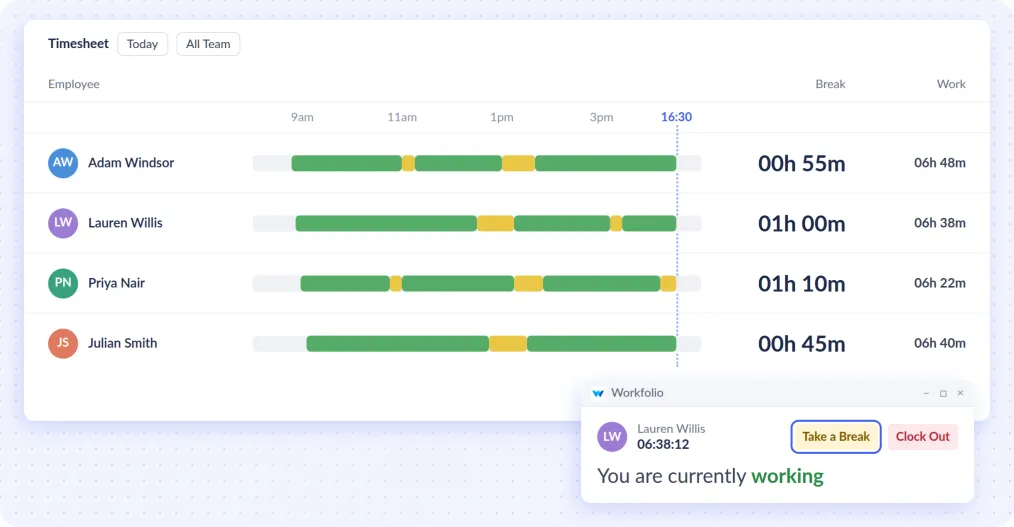
Employees press Take a Break and Resume Work in the Workfolio desktop app on Windows, Mac or Linux. Each break is left out of their worked hours and shows on their timesheet.
[Create free account](/start/free?control=opening)
- Free for unlimited users, no credit card. Used by 2,500+ teams.
01
## See who's on break right now
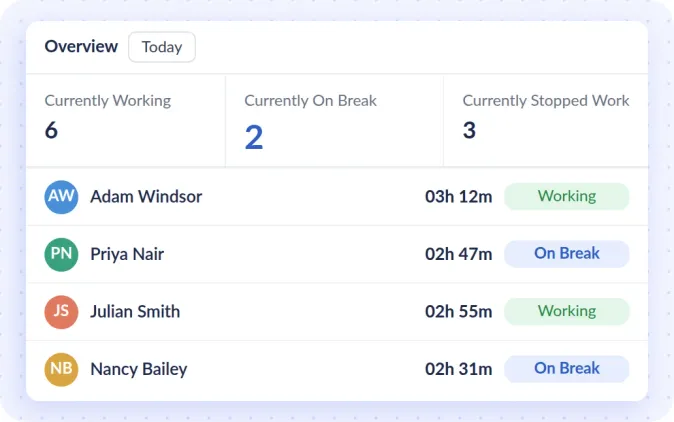
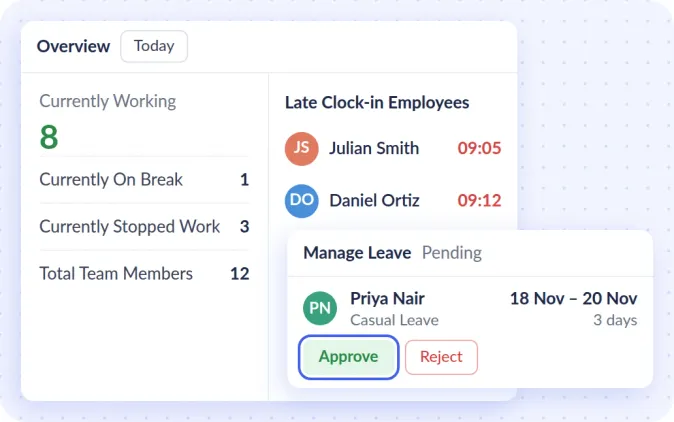
See who is working, on break or done for the day, without asking.
02
## Breaks and hours on every timesheet
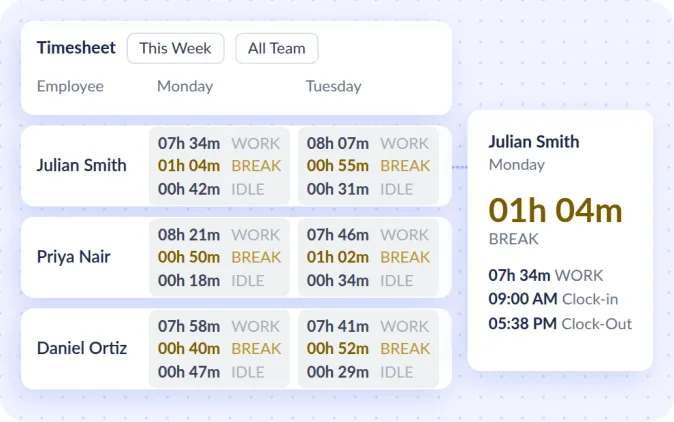
Each person's timesheet fills in from clock-in to clock-out, with breaks shown and left out of worked hours. On Pro, export it to Excel for payroll.
03
## See the work behind each person's hours
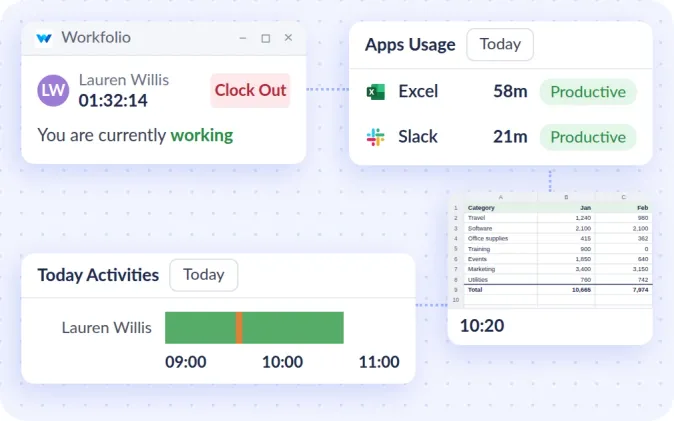
On the free plan too, each person's day shows on a timeline of app time and idle time, with the apps and websites they use and a screenshot of their screen every 10 minutes.
[See how monitoring works](/employee-monitoring-software)
04
## Know who's in, who's late and who's on leave
On Pro, see who clocked in late, get an email when someone is late or absent, approve leave and set your holidays. See who is working, on break or done right now, free.
[See how attendance works](/employee-attendance-clockin-software)
-
> “Workfolio helped us gain reassuring proof of work in changing situations. Surprisingly, our team productivity improved 28% while working remote.”
***Evan Kennedy** KreativeStudio*
ALSO FEATURED IN
- 
- 
- 
## Where your team takes breaks, and who sees it
Does my team clock out to take a break?
No. Take a Break stops their worked hours and Resume Work starts them again, in the same desktop app.
What if someone walks away without pressing Take a Break?
Set the minutes without activity that count as idle, and have a longer idle stretch put the person on break, so the time still leaves their worked hours.
Where does my team clock in?
On the desktop app for Windows, Mac or Linux, at their own computer.
Who can see my team's data?
Admins see everyone, each team head their own team, and employees their own timesheets and screenshots when you allow it.
## Free forever!
- Clock-in, breaks and timesheets for unlimited users
- Up to 10 GB of file storage
- No credit card
[Optional Upgrades](/pricing)