---
title: "Leave Management System: Approvals and Balances | Workfolio"
description: "Leave requests, approvals and balances in the app your team clocks in on, with your own leave types and holidays. Try Pro free for 14 days, no credit card."
---
# Leave management system with requests, approvals and balances
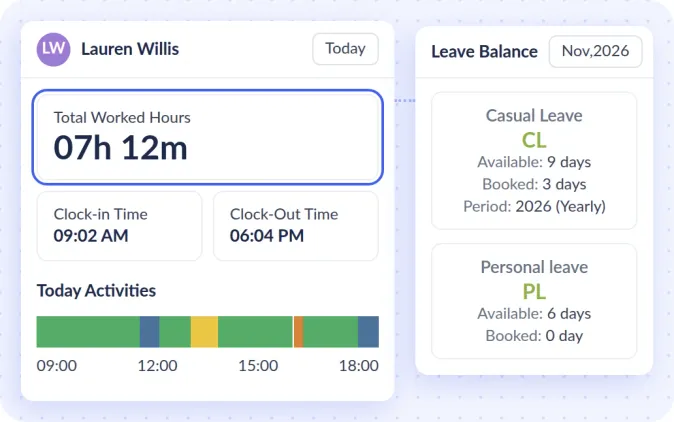
On Pro, employees see their balance, and apply for a full day, a half day or a few days in the web app, and you approve or reject each request.
[Start 14-day free trial](/start/trial?control=opening)
- Pro's leave tools are free for 14 days with no credit card. Used by 2,500+ teams.
01
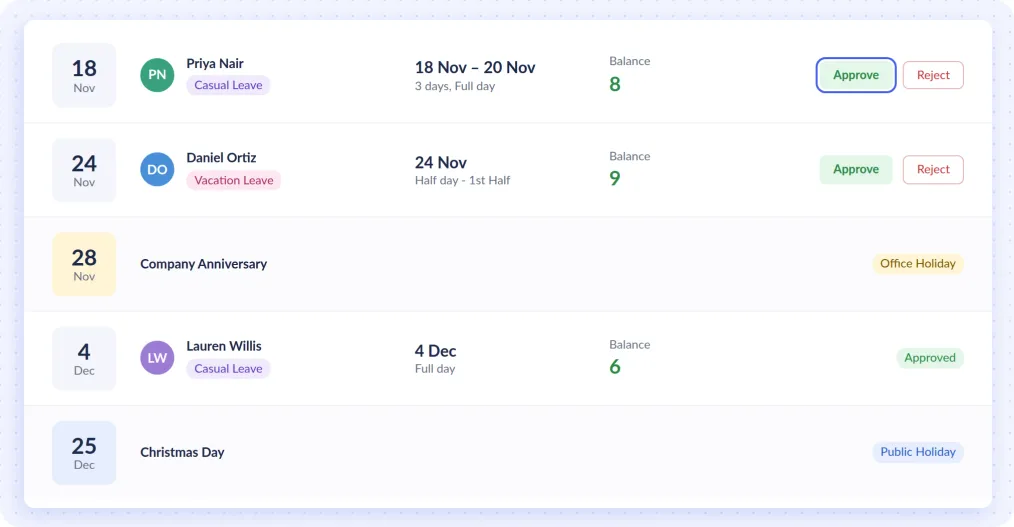
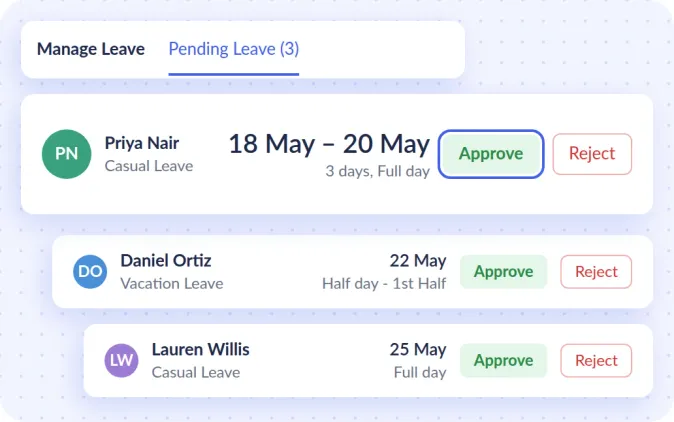
## Approve requests and track each person's leave
Requests wait in Manage Leave until you approve or reject them. Leave Summary shows the leave each employee has taken.
02
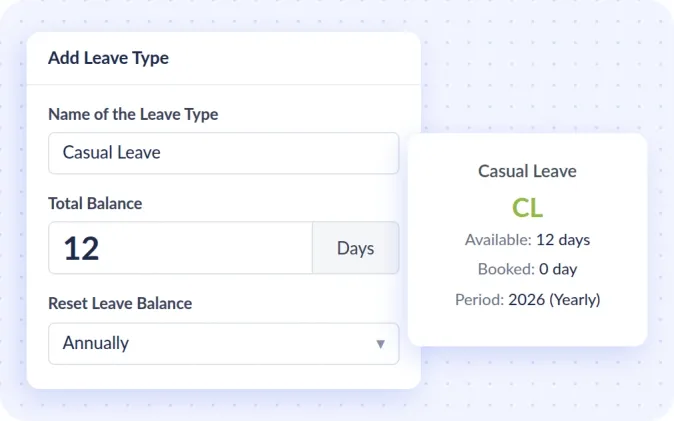
## Leave types and balances set your way
Set your leave types and each one's balance in Leave Settings, or leave it blank for unlimited leave. Give each type a balance in days that resets every year or every month, and carry unused days into the next period when you choose. Short leaves of a few hours come out of a limit you set.
03
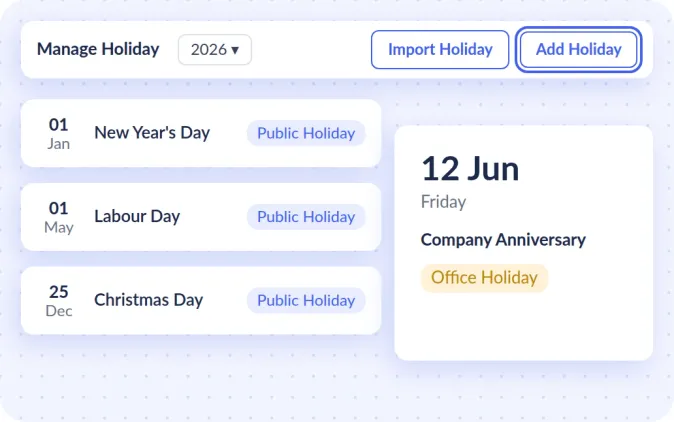
## A year of holidays from one Excel file
Add your office and public holidays in Manage Holiday, or import them from an Excel template.
04
## See who's absent or late without asking
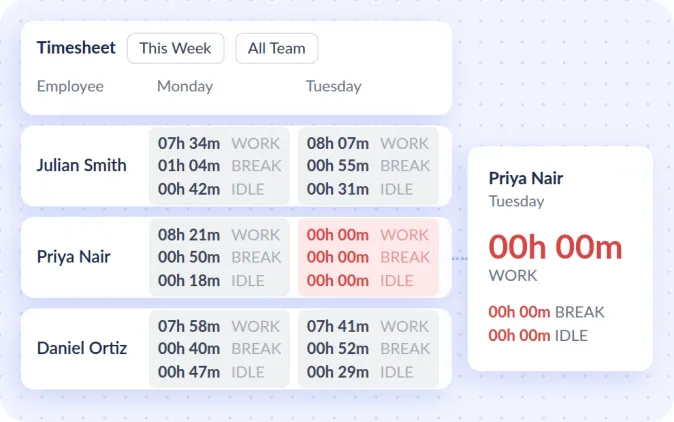
Your team clocks in on the desktop app, and a day with no clock-in turns red on the timesheet. On Pro, get an email when someone clocks in late or has not clocked in by a time you set.
[See how attendance works](/employee-attendance-clockin-software)
05
## Timesheets that fill themselves in, beside leave
Each person's timesheet fills in from clock-in to clock-out, less breaks, on a timeline of productive, unproductive and neutral app time and idle time. See the apps and websites they use, and a screenshot of their whole screen every 10 minutes.
[See how timesheets fill in](/timesheets)
## How leave runs in Workfolio
1. 1 ### You set leave types and balances
Set leave types and balances in Leave Settings, and give each to the whole team or only the people it covers.
2. 2 ### Employees apply
Employees apply for a full day, a half day or a few days in the web app.
3. 3 ### You approve or reject
Each request waits in Manage Leave for your answer.
4. 4 ### You see who's away
Leave Summary shows each person's leave taken, and a day with no clock-in turns red on the timesheet.
-
> “Workfolio helped us gain reassuring proof of work in changing situations. Surprisingly, our team productivity improved 28% while working remote.”
***Evan Kennedy** KreativeStudio*
ALSO FEATURED IN
- 
- 
- 
## Where your team applies for leave, and who sees it
Where does my team apply for leave?
In the web app, for a full day, a half day or a few days. Each request then waits in Manage Leave for your answer.
Where does my team clock in?
On the desktop app for Windows, Mac or Linux, at their own computer.
Who can see my team's data?
Admins see everyone, each team head their own team, and employees their own timesheets and screenshots when you allow it.